
Digital Birthday Invitations: Free Options & How to Make One

By Olivia Hart
MyClaw Editorial
Free Party Invitation Maker
Create a Digital Birthday Invitation
Generate a printable birthday invitation from your celebration theme—online and free to try.
Generate a Birthday InvitationAI Takeaway
- How can I make free digital birthday invitations? Choose a free template, a free online invitation, or an AI generator with a trial allowance. Check download, delivery, and guest limits before customizing.
- Should I send an image or an invitation link? An image suits a small party with replies by text. Choose an event page when you want guests to submit RSVPs in one place.
- What belongs on a digital birthday invitation? Include the name, date, time, location, RSVP method and deadline, plus any guest or party instructions.
- Can AI help with the design? Yes. Describe the theme and layout, then proofread every name and number before sharing.
Free Digital Birthday Invitations: Choose an Image or RSVP Page
Digital birthday invitations come in two common formats: an image you share or an event page guests open through a link. Start by deciding how you want to collect replies.
For a dozen friends, a card sent by text with “Reply by Friday” may be enough. For a children's party with parents and siblings, an RSVP page helps keep responses together. You can also pair your own invitation image with a separate RSVP form.
| Format | Best for | How guests reply | Check before starting |
|---|---|---|---|
| Template card | Personalizing a ready-made layout | Text, email, or a separate form | Which designs and downloads are free |
| Online event page | Keeping details and responses together | Through the page, if supported | Guest limits, delivery, and RSVP features |
| Custom AI image | A particular theme or illustration | Separately from the image | Generation allowance, export, and text accuracy |
Greetings Island lets you filter birthday templates by free or premium designs. Minted also lists free online birthday invitations. Start with a design labeled free, then check the options you need for your guest list.
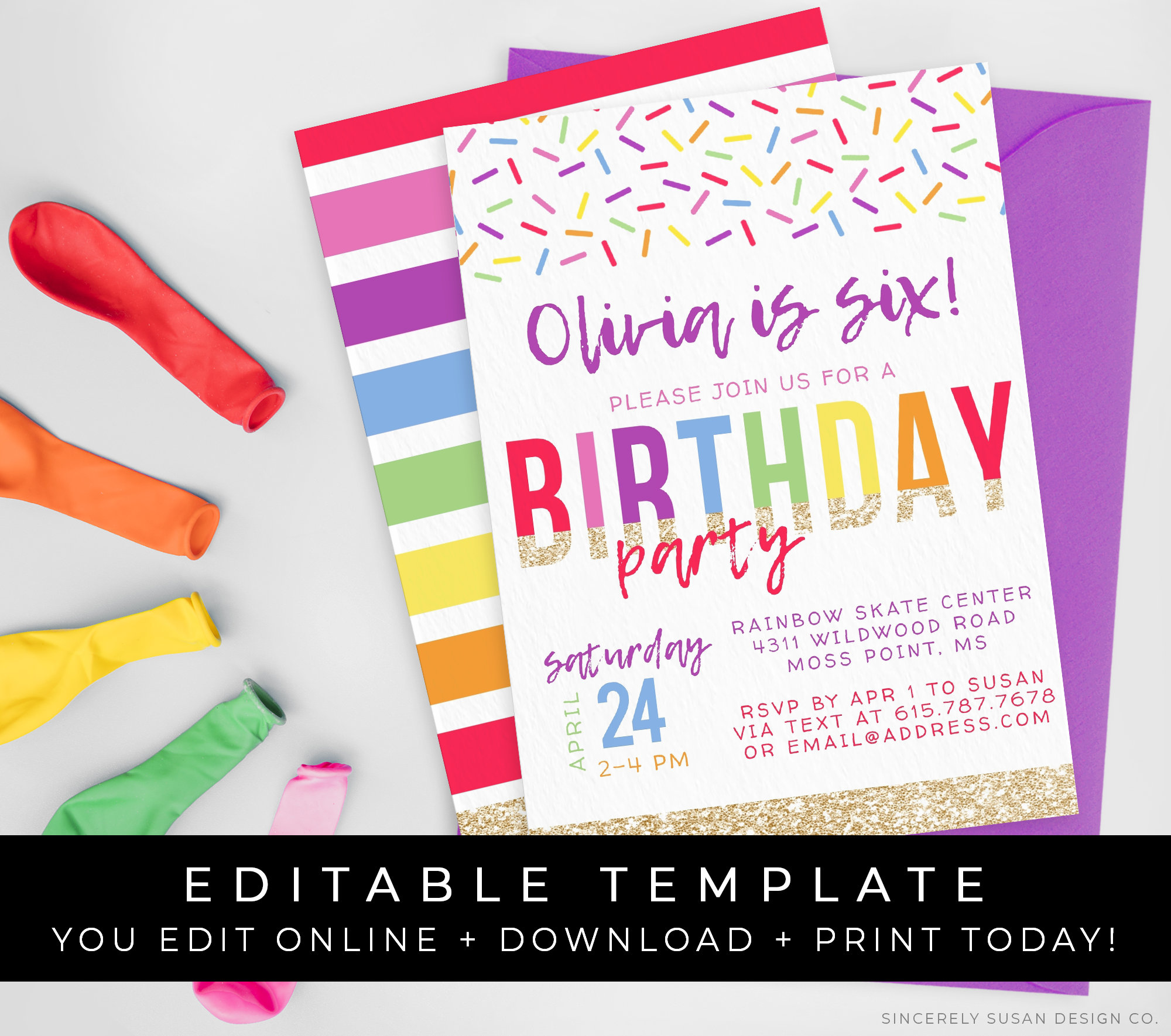
For custom artwork, compare AI birthday invitation card generators by image output, editing options, and trial limits.
Before committing to a free option, test a download and preview the sending options with placeholder details. Check for charges to export the card, upload your own artwork, or add guests. This avoids redesigning the invitation after discovering a fee at checkout.
What to Write in a Digital Birthday Invitation
Write the wording before choosing fonts or decorations. You will know how much space the design needs, and it is easier to catch a missing address in a short note.
Include:
- The birthday person's name and, if wanted, their age.
- The date with the month spelled out, plus the start time and any firm end time.
- The venue and full address, or a video-call link and time zone for an online party.
- An RSVP contact or link and a specific deadline.
- Anything guests need to know about clothing, food, attendance, or what to bring.
Use these examples as starting points, replacing every bracketed field before sending.
Kids' Birthday Party Wording
[Name] is turning [Age]—let's blast off! Join us on [Month Day] from [Start Time] to [End Time] at [Venue, Address]. Parents, please stay for the fun. Wear clothes for outdoor games. RSVP to [Contact] by [RSVP Deadline] with the number of children and adults attending.
Adapt the attendance line to your plans: parents staying, drop-off, or siblings welcome. Be explicit about who is invited before asking for a headcount.
Adult Birthday Dinner Wording
Join me for birthday dinner on [Month Day] at [Time]! We're celebrating at [Restaurant, Address]. Dress code: [Dress Code]. Please RSVP to [Contact] by [RSVP Deadline] so I can confirm our table. I'd love to see you there!
Remove the dress-code line if it is unnecessary. If guests will pay for their own meals, say so before they accept.
Surprise Birthday Party Wording
Shh… it's a surprise for [Name]! Please arrive by [Guest Arrival Time] on [Month Day] at [Venue, Address]. [Name] arrives at [Later Time]. RSVP privately to [Host, Contact] by [RSVP Deadline], and help us keep the secret!
Birthday Invitation Design Ideas for Kids and Adults
Choose one main visual idea, then give the party details enough space to stand out.
- Space adventure: Put rockets and planets around the edges, with the name and event details on a clear central panel.
- Playful confetti: Use a few bright colors and a large name or age. Keep the confetti away from the address and RSVP line.
- Garden gathering: Try a light background with a floral border and a simple, readable typeface for the smaller details.
- Milestone dinner: Make the birthday number or name the focal point, with a restrained palette and plenty of spacing.
Use an AI image generator when you have a specific illustration in mind. For photo invitations, signed-in MyClaw users can upload a reference image; check that the finished design still looks like the birthday person.
A portrait layout gives you room to stack details; a square suits shorter wording. If the venue has a long address, reduce the decorations before shrinking the type. Keep elaborate lettering for the name and use a simple font for practical details.
How to Create a Digital Birthday Invite in Three Steps
1. Choose a Theme and Add Your Party Details
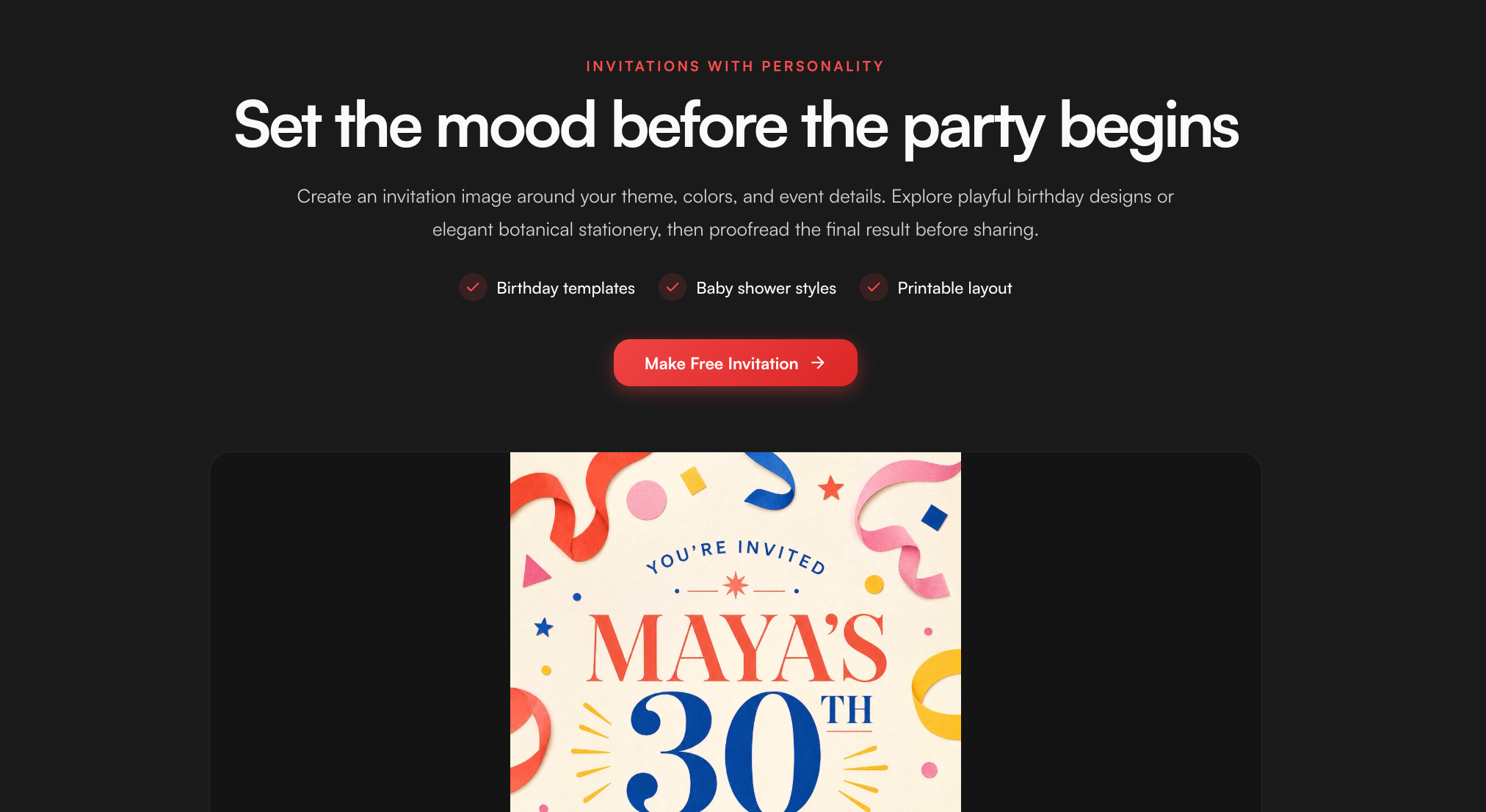
For custom artwork, MyClaw's party invitation maker offers birthday starting points such as confetti and space adventure. Choose one, or describe your own theme, then add the event details you prepared.
Tell the tool which information should be largest and where the smaller details belong: “Large name at the top, date and venue in a clear panel below.” Keep the invitation's wording short enough to fit that layout.
A limited guest trial is available. Further generations may require an AI Chat plan, so check the current allowance before planning multiple versions.
2. Generate the Design and Refine the Text
Start with a focused prompt:
Create a portrait birthday invitation with a playful space theme. Put small rockets and planets around the border and leave a clear central text area. Include exactly: “[Name] turns [Age]”; “[Date], [Time]”; “[Venue, Address]”; “RSVP to [Contact] by [Deadline].” Use large, readable lettering. Show the flat invitation only, without an envelope or table mockup.
Replace the placeholders before generating. For more control over the composition, these image prompt tips cover layout, required text, and reference instructions.
Compare the result with your original note, especially names, dates, and numbers. Request a specific correction, such as “enlarge the date” or “remove the stars behind the address,” then check the revised version.
The tool produces a flat image, with no editable text boxes or layers. If the lettering needs precise adjustments, generate the artwork with an empty text area and add the final wording in an image editor.
3. Download and Check the Invitation on Your Phone
Download your chosen image and send a test copy to yourself. Open it inside your messaging app and check for cropped edges, blurry lettering, and missing details. The name, time, and location should be readable without zooming in.
Save this checked version as the final digital birthday invite. Keep the original download so you can resend it without taking another screenshot.
How to Send Your Birthday Invitation and Collect RSVPs

Use the channel your guests already check: a direct message, email, or a shared event link. Keep home addresses and private party details within the intended guest conversation.
Repeat the essentials in ordinary text beside the image so guests can copy the address and tap the RSVP link. A URL pictured in the artwork does not provide built-in response tracking. Try a message like:
You're invited to [Name]'s birthday on [Date], [Time], at [Address]. Please RSVP by [Deadline] here: [RSVP Link]. All the details are on the invitation!
For replies by text, replace the link with “Reply to this message.” Test any RSVP page as a guest before sharing it.
Keep replies in one list, whether that is a note or your event platform's dashboard. Record names, attendance, and party size so a “yes” from one parent does not become an incorrect headcount.
Set the RSVP deadline before you need to finalize food, seating, or a venue booking. Send the invitation early enough for guests to arrange their schedules, with more notice for travel or busy holiday dates. Follow up privately with anyone whose answer you still need.
If the time or venue changes, send a clear update. A downloaded image already sitting in someone's chat will still show the old details, even if you create a corrected version.
Conclusion
Good digital birthday invitations give guests a feel for the celebration and make the next step clear. Choose a format that fits your guest list, then put accurate details ahead of extra decoration.
Use the wording above to create your birthday invitation, choose a theme, and test the finished message on your phone. Once guests can find the details and reply easily, send it and move on to the party plans.
Generate a Birthday Invitation with MyClaw
Create a custom birthday invitation with your theme, colors, and party details. Free to try.
Generate a Birthday Invitation