Gemini Omni 1.1 Flash: Is It an LLM or an AI Video Model?

By Olivia Hart
MyClaw Editorial
MyClaw
Run Best-in-Class AI Agents Now
Run OpenClaw or Hermes Agent on managed MyClaw hosting, so your AI agent stays online, updated, and ready for real work.
AI Takeaway
- What is Gemini Omni 1.1 Flash? Google's production-ready multimodal model for generating and conversationally editing video from text, images, and video references.
- Is it an LLM? Not in the usual sense. It uses a transformer architecture and Gemini intelligence, but its primary output is video rather than general-purpose text.
- What changed in version 1.1? It adds scene extension to a cumulative 40 seconds, first-and-last-frame control, video references, cheaper 360p drafts, and output up to 4K through upscaling.
- Can an AI agent use it? Yes, if the agent has an explicitly configured Gemini API tool or compatible skill. The model renders video; the agent coordinates the workflow.
- Who should consider it? Developers and creative teams building controllable short-form video and iterative production tools.
What Is Gemini Omni 1.1 Flash?
Gemini Omni 1.1 Flash is Google's fast, conversational video generation and editing model. The stable API model, gemini-omni-1.1-flash, became generally available on August 27, 2026. It accepts text, image, and video inputs through the current Gemini API and generates video with audio.
Unlike a text-output model such as Gemini 3.5 Flash, Omni can turn a written scene into a clip, animate an image, edit through follow-up instructions, or continue an existing scene. Omni points to multimodal creation, 1.1 marks the production-ready update, and Flash emphasizes quick iteration.
Developers still using gemini-omni-flash-preview should migrate to the stable model ID before Google deprecates the preview endpoint on September 30, 2026.
Is Gemini Omni 1.1 Flash an LLM?
Not in the conventional product sense. The most accurate description is a multimodal generative video model, or a video foundation model that incorporates Gemini's language and world understanding.
Google describes the architecture as transformer-based, with native multimodal support. That does not make it a text-first large language model; transformers also power systems specialized for images, audio, and video.
The practical test is the job the model performs. A conventional LLM takes context and usually returns language, code, or structured text. Gemini Omni interprets language and visual references to return video. It contains language intelligence, but video creation is the product.
This also separates it from an agent. As our guide to AI agents vs. LLMs explains, a model generates an output; an agent adds goals, tools, state, and an execution loop.
Why the Gemini Name Causes Confusion
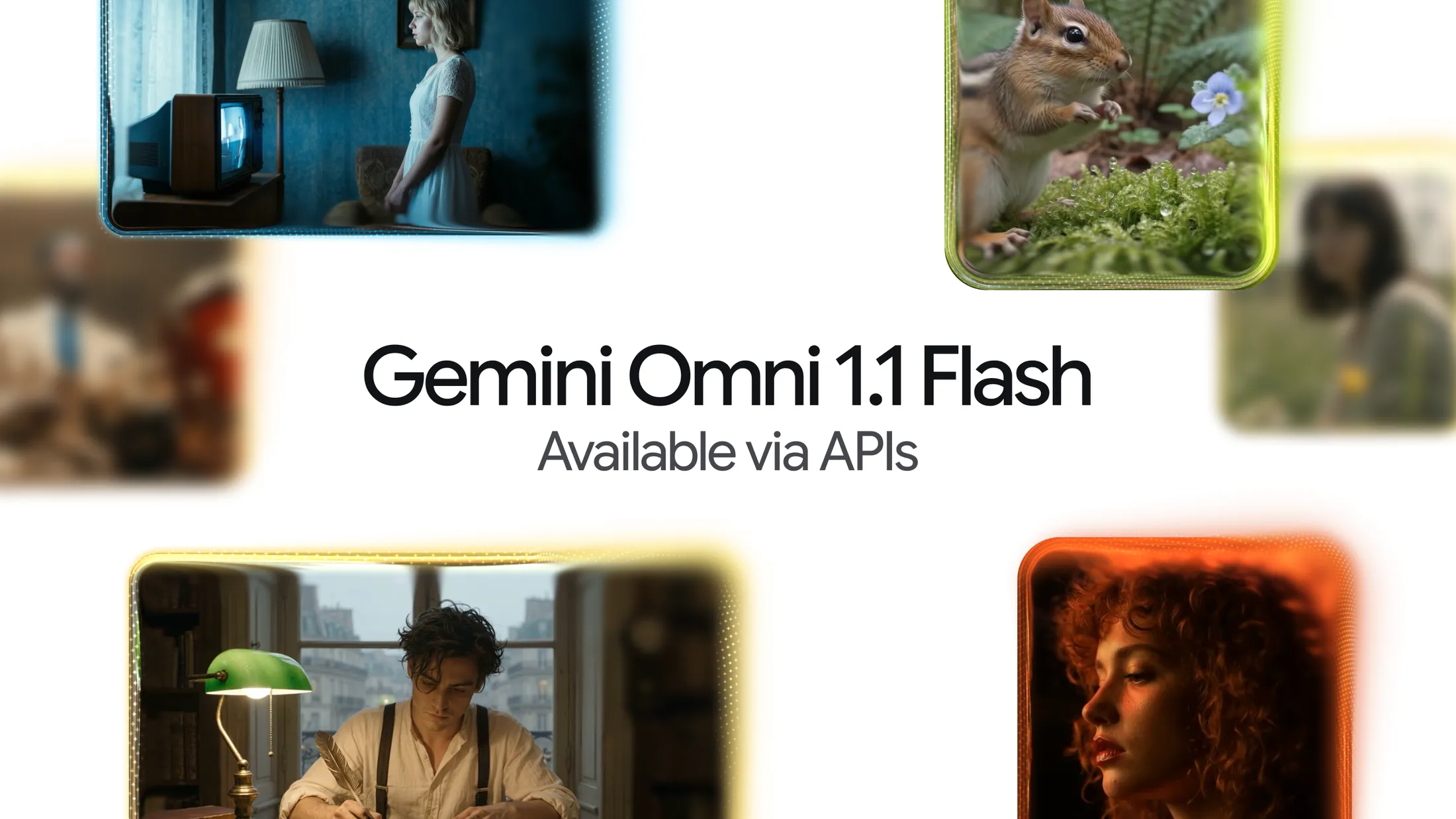
Google uses Gemini across text, image, audio, and video products. “Flash” alone is not enough to classify a system. For Gemini Omni 1.1 Flash, its inputs, output, API, and intended use all point toward generative video.
What Changed in Gemini Omni 1.1 Flash?
The 1.1 release focuses on making iteration more controllable.
Longer Scene Extension With More Context
Previous models referenced only the final second when continuing a clip. Version 1.1 can analyze up to 10 seconds of preceding video, preserving more context about characters, motion, setting, and audio.
You can extend a video in 10-second increments to a cumulative maximum of 40 seconds. That wording matters: Gemini Omni does not create one native 40-second clip in a single pass. It reaches 40 seconds by adding continuations, so each transition still deserves review.
First-and-Last-Frame Control and Video References
You can provide a starting image and an ending image, then ask the model to generate the movement between them. This is useful for camera orbits, zoom transitions, loops, product reveals, and shots that must arrive at a planned composition.
Video references of up to three seconds can guide motion and visual consistency, although they cannot guarantee that every detail will survive generation.

Draft at 360p, Then Finish at Higher Resolution
Gemini Omni 1.1 Flash supports 360p drafts that Google says are up to 60% faster and cost one-third as much as standard 720p generation. Generate rough variations, compare them, and spend more only on the selected direction.
The default resolution is 720p. The API also supports 1080p and 4K output, but Google states that those versions are produced through upscaling. “Up to 4K” should not be read as native 4K generation.
Gemini Omni 1.1 Flash Specs and API Pricing
| Specification | Gemini Omni 1.1 Flash |
|---|---|
| Model ID | gemini-omni-1.1-flash |
| Status | Generally available |
| API inputs | Text, image, and video |
| Primary output | Video with audio |
| Context window | 1,048,576 tokens |
| Base clip length | 3–10 seconds |
| Extended length | Up to 40 seconds cumulatively |
| Frame rate | 24 FPS |
| Resolutions | 360p, 720p, 1080p, and 4K |
| Access | Paid Gemini API, Google AI Studio, and supported Google products |
| Standard input price | $1.50 per 1M tokens |
| Standard video output price | $17.50 per 1M tokens |
Google bills 720p video at 5,792 output tokens per second, or approximately $0.10 per second under standard pricing. A 10-second 720p generation is therefore about $1 before input charges; four generated 10-second segments are about $4. There is no free API tier for this model.
A usable asset may still require rejected drafts, edits, and high-resolution finishing. Control cost by drafting small, varying one element at a time, and upscaling only approved takes.
What Gemini Omni Can—and Cannot—Do
Gemini Omni fits short ads, social clips, image animation, product shots, transitions, story extensions, and conversational edits, especially when existing media should guide the result.
If the finished asset should be a still image rather than a video, a dedicated AI image generator is the more direct tool. Omni earns its place when motion, timing, audio, or iterative video editing is essential.
It still has practical limits. A base generation lasts no more than 10 seconds. Continuity can drift across edits or extensions. Complex motion may break, and text rendered inside a scene may not be perfectly accurate. Reference material improves control but does not turn generation into deterministic editing.
“Production-ready” means developers have a stable model endpoint and useful production controls. It does not mean every output is ready to publish. Selection, brand review, rights checks, audio review, and conventional editing remain part of professional work.
Gemini Omni vs. an LLM vs. an AI Agent
| Layer | Primary role | Typical output | Persistence | Best fit |
|---|---|---|---|---|
| General LLM | Understands and generates language | Copy, code, analysis, prompts | Usually conversation-bound | Planning and text work |
| Gemini Omni | Generates and edits video | Video with audio | Interaction history for iterative edits | Creative rendering |
| AI agent | Coordinates models, tools, files, and decisions | Completed multi-step work | Can maintain state and run again | Workflow execution |
These layers complement one another. An LLM develops a script and shot list. Gemini Omni renders the shots. An agent collects files, calls the API, tracks versions, stops for approval, and delivers the selected assets.
That execution layer is the relevant connection to managed OpenClaw hosting. OpenClaw is not another video model. It is an agent that can work across files, tools, and APIs when the required capabilities and credentials are configured; hosting gives that workflow a persistent place to run.
Build an Always-On Gemini Omni Video Workflow With MyClaw
MyClaw does not replace or bundle Gemini Omni. It provides managed hosting for a private, always-on OpenClaw agent. With an explicitly configured API tool or verified compatible integration, that agent can coordinate the surrounding workflow.
1. Lock the Creative Brief and Asset Rules
Give the agent the audience, message, aspect ratio, channels, brand constraints, reference assets, naming convention, budget, and approval points. Set consistent folders and filenames so source assets, drafts, prompts, and approved exports remain traceable across repeated work.
2. Connect Gemini Omni as an Explicit Tool
Configure a custom Gemini API tool or compatible integration, then scope its credentials to the calls and files the workflow actually needs. Test one generation manually before allowing the agent to repeat it.
Start with 360p. Ask the agent to produce a small set of variations while changing one variable at a time, such as camera movement, pace, or lighting. This makes comparison meaningful and keeps paid rendering bounded.
3. Run a Draft, Review, and Delivery Loop
Require a human choice before extensions, final upscaling, or publishing. After approval, the agent can continue the selected scene, request the final resolution, organize outputs, and prepare delivery notes. Scheduling can help with preparation and delivery, but paid generation should retain clear limits and approval gates. The agent runtime and Gemini API usage remain separate costs.
Should You Use Gemini Omni 1.1 Flash?
Choose Gemini Omni 1.1 Flash when you need API-driven short video creation, conversational editing, reference-based generation, and a draft-to-finish workflow. Use a conventional LLM when the deliverable is primarily text, planning, or code. Add an agent layer when the job spans assets, tools, repeated runs, approvals, and delivery.
For one-off clips, using Gemini Omni directly is simpler. An agent earns its place when the same creative process repeats and someone needs to manage inputs, spending limits, review gates, and final delivery—not merely produce another generation.
Skip the Setup, Run Best-in-Class AI Agents Now
Launch a managed OpenClaw or Hermes Agent workspace in minutes, with always-on hosting, updates, and support handled by MyClaw.