Kimi K3.1 Pro vs Opus 5.5: Effort Settings, Cost per Task and Speed

By Olivia Hart
MyClaw Editorial
MyClaw
Run Best-in-Class AI Agents Now
Run OpenClaw or Hermes Agent on managed MyClaw hosting, so your AI agent stays online, updated, and ready for real work.
Start HostingAI Takeaway
- Does Opus 5.5 or Kimi K3.1 Pro score higher on independent tests? Opus 5.5, narrowly. Artificial Analysis rates it 58 on the Intelligence Index, three points above Kimi K3.1 Pro at 55 (independent, Oct 26, 2026), with each model leading on different sub-tests.
- Where does the per-task bill come out lower? Kimi K3.1 Pro. Artificial Analysis measured $2.11 per index task against $5.98 for Opus 5.5, because Kimi writes fewer output tokens per task and bills them at half the list rate (independent, Oct 26, 2026).
- Which one answers faster? That hinges on which clock you read. Opus 5.5 streams faster once it starts, at 96.3 tokens per second against 52.2, yet at max effort it thinks for minutes before the first token. Whole tasks averaged about 13 minutes on Opus and 15.5 on Kimi (Artificial Analysis, Oct 26, 2026).
- Do default effort settings change the comparison? Yes, a lot. Kimi K3.1 Pro defaults to max effort, while Anthropic ships Opus 5.5 at medium (vendor docs, Oct 26, 2026). Left untouched, you are comparing a model at full effort with one at half effort.
- How can I keep an agent working on long tasks without watching it? Put it on a hosted assistant that stays online and reports back in your messenger. MyClaw sets up an always-available assistant with your pick of Hermes Agent or OpenClaw, so a long job carries on overnight.
Opposite Defaults: Always-Max Thinking vs Adaptive Effort
Most head-to-heads stop at the price list, which is the least decisive line for these two. The setting that moves both cost and wait time more is effort, and these two models ship at opposite ends of it.
Kimi K3.1 Pro always thinks. Moonshot's API docs (Oct 26, 2026) let you choose reasoning_effort as low, high or max, apply max whenever you omit it, and fix temperature at 1.0. Everything else from launch week sits in our full K3.1 Pro write-up.
Opus 5.5 uses adaptive thinking that stays on, and Anthropic's effort guide (Oct 26, 2026) sets its default at medium, one notch below the high default on most of its siblings. You raise it per request when a task needs more depth. Our Opus 5.5 review looks at that model on its own terms.

So an untuned call sends Kimi to its ceiling and Opus to its middle setting. Artificial Analysis ran both at max effort, which is the fair basis for the numbers below, but your own defaults may tell a different story.
Kimi K3.1 Pro vs Opus 5.5 at Max Effort, Side by Side
Price, release and default rows are vendor-stated, read Oct 26, 2026. AA rows are independent Artificial Analysis measurements taken that day, each model running at max effort.
| Kimi K3.1 Pro | Opus 5.5 | |
|---|---|---|
| Released (vendor) | Oct 23, 2026 | Sep 22, 2026 |
| List price in / out, 1M tokens | $2 / $10 | $4 / $20 |
| Cached input read, 1M tokens | $0.20 | $0.20 |
| 5-minute cache write, 1M tokens | $2 | $5 |
| Context / max output | 1M / 131,072 default | 1M / 128K |
| Default effort | Max | Medium |
| AA Intelligence Index | 55 | 58 |
| AA output speed | 52.2 tokens/s | 96.3 tokens/s |
| AA first token (max effort) | 2.97s | 688.00s |
| AA time per task | 935s | 783s |
| AA output tokens per task | 55K | 119K |
| AA cost per task | $2.11 | $5.98 |
| Downloadable weights | Promised for Nov 4, 2026 | None |
The 688-second first-token figure needs context. At max effort, Opus 5.5 finishes most of its reasoning before it emits anything, so Artificial Analysis's clock runs through the thinking phase. It is not typical chat latency, and at medium or low effort the wait shrinks. Whole-task time is the more useful line, and there Opus finishes about two and a half minutes ahead. The last round of this matchup is in our K3 and Opus 4.8 comparison.
Where Each Model Wins on Independent Tests
Artificial Analysis's sub-scores (independent, Oct 26, 2026) split the field instead of crowning one winner.
Kimi K3.1 Pro leads on agent and document work:
- Terminal-Bench 4.0: 67% vs 60%
- AutomationBench-AA: 73% vs 70%
- GDP.pdf: 31% vs 26%
- AA-LCR long-context reasoning: 86% vs 85%
Opus 5.5 leads on knowledge and science:
- Humanity's Last Exam: 61% vs 52%
- SciCode: 67% vs 61%
- AA-Omniscience: 46 vs 30
- CritPt: 32% vs 25%
Moonshot's own launch table put Terminal-Bench 4.0 at 65.7% for K3.1 Pro and 66.4% for Opus 5.5 (vendor-stated, launch day). The independent gap is wider than the one Moonshot claimed, and in Kimi's favour. The pattern is consistent: terminal and tool-driven tasks lean Kimi, while recall-heavy and scientific questions lean Opus.
Cost per Task and Time per Task
The list rate halves on Kimi, but the larger saving comes from volume. Artificial Analysis counted 55K output tokens per task for Kimi K3.1 Pro, 35K of them reasoning, against 119K for Opus 5.5, 84K of them reasoning (independent, Oct 26, 2026). Half the price on less than half the tokens gives $2.11 against $5.98 per task, and $3,117 against $8,708 to run the whole index.
Our arithmetic, assuming your work resembles the AA task mix at max effort: 100 tasks would run about $211 on Kimi K3.1 Pro and about $598 on Opus 5.5. At medium effort, Opus would write fewer tokens and the gap would narrow, so measure your own traffic before you budget.
Time tells a different story, and it matters most when a developer is waiting on the answer. Opus streams about 84% faster, and whole tasks averaged 783 seconds on Opus against 935 on Kimi. Kimi starts sooner and writes less, but its slower stream still leaves it behind on the full job. Anthropic also sells a fast mode for Opus 5.5 at twice the standard rate (vendor, Oct 26, 2026) for teams that pay to cut that wait.
Reading from cache costs the same $0.20 per 1M on each, but a 5-minute cache write costs $2 on Kimi and $5 on Opus (vendor, Oct 26, 2026). Teams moving up from the older Kimi release can follow our guide to switching from K3.
Keep an Agent on the Job Around the Clock: MyClaw in 3 Steps
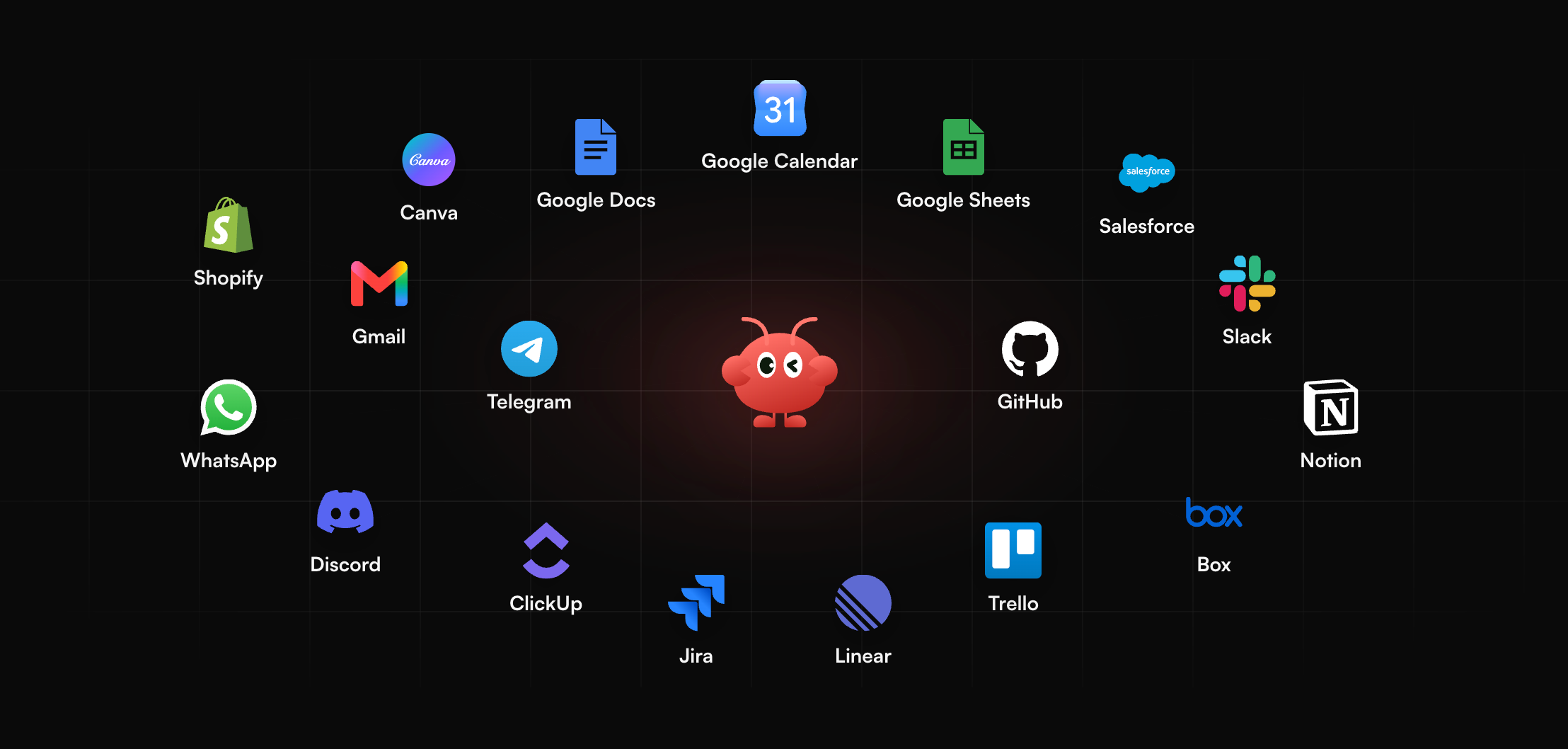
Those figures carry a practical point. When a single max-effort task runs 13 to 16 minutes on either model, nobody wants to sit and watch it, and a laptop that sleeps halfway through wastes the spend. Work like this belongs on an always-on hosted agent that runs it unattended.
Think of MyClaw as a managed home for personal agents; the frameworks are OpenClaw and Hermes Agent, while the company itself makes no models. You get your own agent, kept running in the cloud and reachable from your messenger. What it takes off your plate:
- Always-on runs, so a long task finishes even if your computer goes to sleep.
- Scheduled and recurring jobs, for example a review of yesterday's commits every morning or a weekly status summary.
- No server work: nothing to rent, patch or restart.
- Model choice, because the hosted framework works with most popular models.
Setting it up takes three moves:
- Make a MyClaw account in your browser.
- Select the framework first, then the model it should use.
- Pair your preferred messenger and type your opening request.
Routing Guide: Which Tasks to Send Where
With the agent hosted, the remaining question is which model it should call for each job. Few teams need just one; a split by task type captures most of the value.
Send to Kimi K3.1 Pro:
- Budget-bound batch agents where nobody waits on each step.
- Terminal and tool-heavy coding, where it leads on independent tests.
- Long-document extraction and PDF-based work.
- Workloads you may self-host later, once Moonshot posts the files, which it has committed to do by Nov 4, 2026.
Send to Opus 5.5:
- Knowledge-heavy research and science questions.
- Deployments that already run on Amazon Bedrock, Google Vertex AI or Microsoft Foundry, where Opus 5.5 is listed (Anthropic, Oct 26, 2026).
- Interactive work where you can drop to medium or low effort for quick replies.
Whatever the split, set effort explicitly on both, and log tokens per task for a week before you fix the routing rule. Leaving defaults in place makes Kimi spend more and Opus think less than the comparison above assumes.
Conclusion: Effort Settles Kimi K3.1 Pro vs Opus 5.5
Opus 5.5 holds a narrow independent lead on overall intelligence and wins on knowledge and science, while Kimi K3.1 Pro wins on terminal and agent tasks at roughly a third of the per-task cost, while Opus finishes whole tasks about 2.5 minutes sooner (Artificial Analysis, Oct 26, 2026). Set effort explicitly before comparing them yourself, route by task type, and look again at Kimi for self-hosting after its weights land, which Moonshot has pledged for Nov 4, 2026.
Skip the Setup, Run Best-in-Class AI Agents Now
Launch a managed OpenClaw or Hermes Agent workspace in minutes, with always-on hosting, updates, and support handled by MyClaw.
Get Started