MiniMax H3 AI Review: Strengths, Limits, and Who Should Use It

By Nathan Cole
MyClaw Editorial
MyClaw
Run Best-in-Class AI Agents Now
Run OpenClaw or Hermes Agent on managed MyClaw hosting, so your AI agent stays online, updated, and ready for real work.
AI Takeaway
- Is MiniMax H3 good? Yes—especially for short videos that combine image, motion, style, voice, and audio references. It is a credible production candidate, not the automatic winner for every prompt.
- What is its clearest strength? H3 can interpret relationships among text, images, video, and audio in one brief, then generate video and native stereo sound together.
- What is the biggest caveat? The open-weight H3-Base model produces 768p video. MiniMax’s official Context-IR orchestration and 2K regeneration modules remain hosted services, so the complete workflow is not fully local.
- Who should use it? Creative teams and technically capable creators making ads, product clips, character concepts, transitions, or social assets—and developers willing to evaluate hardware, licensing, and iteration cost.
What MiniMax H3 Actually Is
Released on July 31, 2026, MiniMax H3 is a general-purpose omni-modal video system, not an M-series chatbot or coding model. It accepts text, images, video, and audio as context, then generates 4-to-15-second clips at 24 FPS with 32 kHz stereo sound across common aspect ratios.
That distinction matters because a video model generates media, while an agent coordinates the surrounding work. H3 can create the clip; it does not automatically manage briefs, assets, approvals, or delivery.
This review uses official specifications, current API documentation, and independent leaderboard snapshots. Vendor showcases demonstrate capability, but not how many attempts produced the publishable result.
How MiniMax H3 Holds Up in a Real Creative Workflow
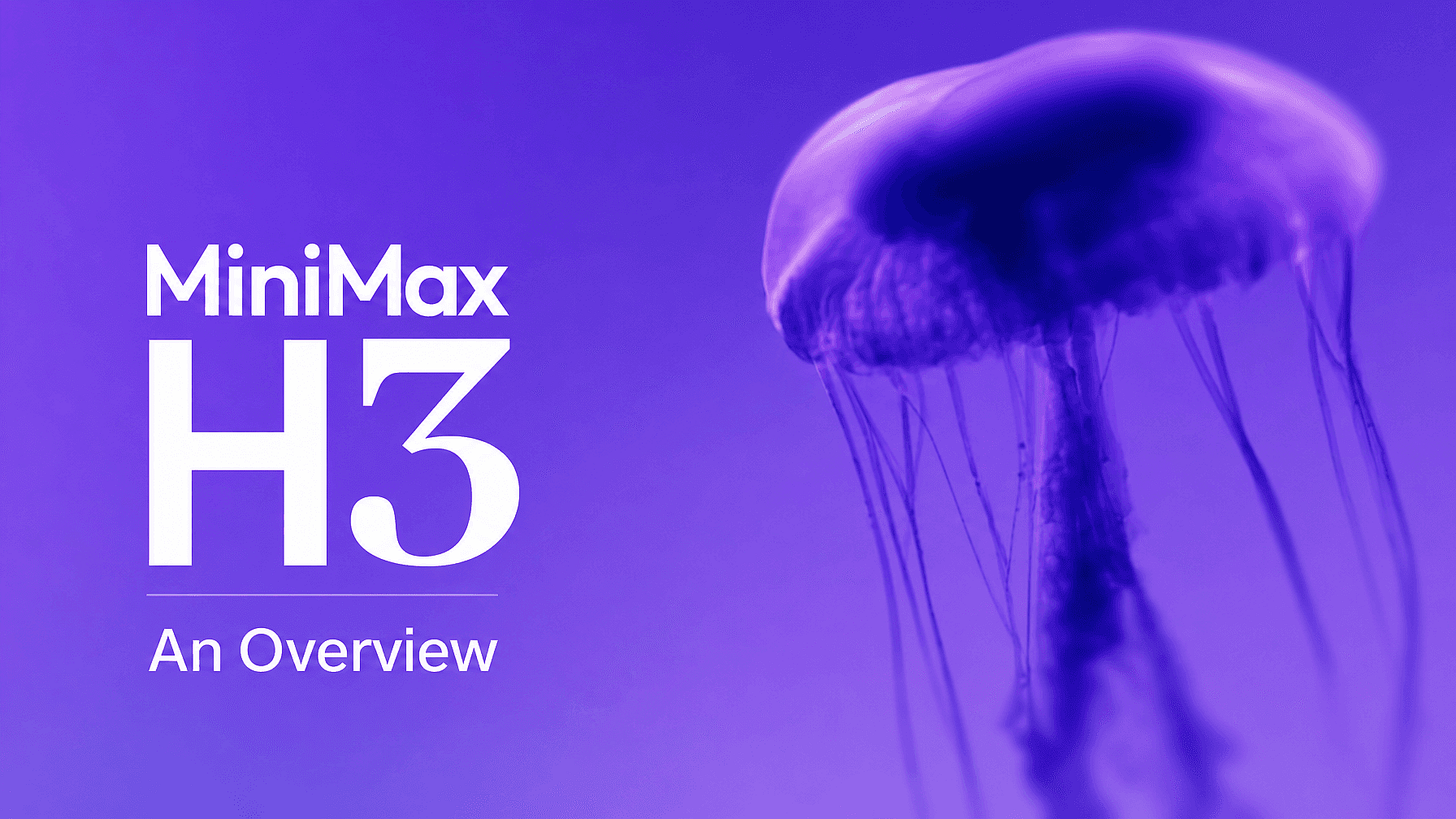
Multimodal Control Is the Headline Feature
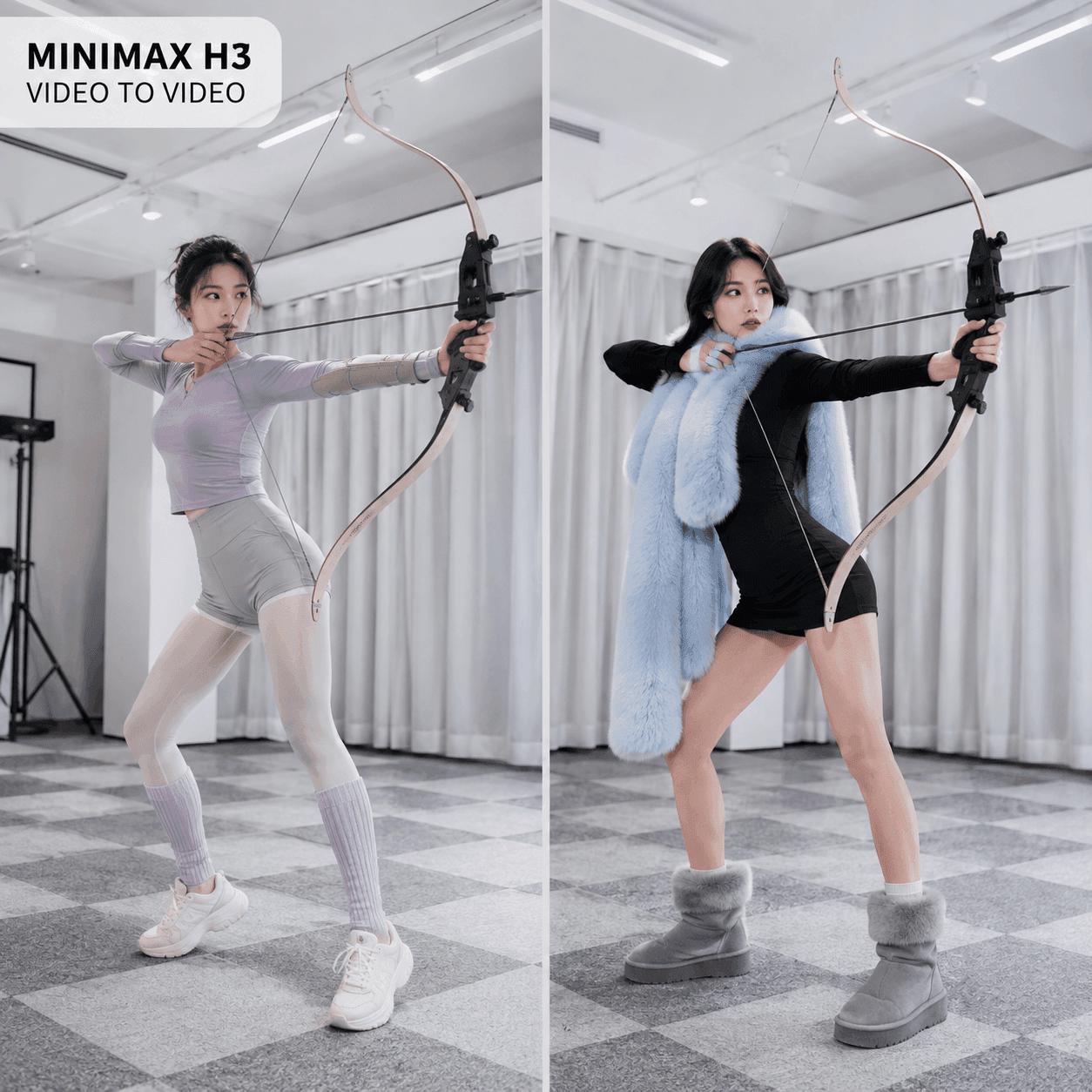
H3’s most useful idea is not simply “better text-to-video.” It lets you describe relationships among references in ordinary language: use the person from one image, the camera movement from a video, and the voice character from an audio clip. This makes it attractive for product shots, brand concepts, animated posters, character-led scenes, and tightly directed social videos.
Ref2VA accepts up to nine images, three videos, and three audio clips, with a 12-file maximum. Audio cannot be the only input, and every reference needs a clear role.
A repeatable AI workflow is more useful than one enormous prompt. Define the subject, movement, setting, sound, duration, and approval criteria separately, then change one variable at a time.
Video, Text, Motion, and Audio Need Separate Checks
In early August 2026, Artificial Analysis arena snapshots placed H3 first in video editing and second in text-to-video with audio. Those positions are useful signals, not a permanent verdict. Test the work you actually plan to publish.
For each output, inspect:
- subject identity and clothing across the full clip;
- hands, objects, reflections, and physical contact;
- camera direction, speed, and transition timing;
- text and logo legibility at normal playback speed;
- dialogue timing, voice consistency, sound effects, and music balance;
- repeatability across several generations of the same brief.
Native stereo audio lets you plan sound and video together, but both require scrutiny. A strong opening cannot rescue drifting identity, broken labels, or mismatched dialogue.
The Main Limitations Appear During Iteration
H3’s 15-second ceiling suits individual shots, not long-form sequences. Longer work needs multiple clips, continuity planning, editing, and often separate finishing tools.
Moderation can block some requests, and generation remains variable. The practical cost is therefore not the price of one render; it is the price of enough renders to obtain one usable clip. Track failures, near-misses, revision time, and human review alongside visual quality.
Which MiniMax H3 Input Mode Should You Choose?
Text and First/Last Frames for Directed Shots
H3-Base-FL2VA covers three related paths. With no image, it works as text-to-video. With one image, it animates a first or last frame. With two images, it generates the transition between them.
| Creative goal | Best starting mode | Main quality check |
|---|---|---|
| Explore a new scene | Text-to-video | Composition and prompt adherence |
| Animate a product still | First-frame-to-video | Shape and brand consistency |
| Reach a known visual ending | First-and-last-frame | Transition logic and timing |
| Reuse identity, motion, or sound | Ref2VA | Correct reference relationships |
Text-only generation is best for exploration. A starting frame gives the model a stronger composition anchor. First-and-last-frame mode is more useful when the destination matters, such as a product reveal, transformation, or before-and-after sequence.
Multimodal References for Identity, Motion, Style, and Sound
Ref2VA is the better path when the brief depends on an existing person, movement, voice, edit, or visual language. Name references consistently and state what each one controls. “Use Video 1 for camera movement and Audio 1 for voice tone” is easier to interpret than a loose pile of assets.
If you later automate reference collection, file naming, or handoff, the MyClaw Skills Hub offers tools for the work around H3. Choose each skill for a specific task and review its permissions; installing one does not create a native H3 integration.
Pricing, 2K Output, and Local Deployment Trade-offs
Hosted Generation: Measure Cost per Usable Clip
As of August 26, 2026, MiniMax lists H3 at $0.08 per second for 768P and $0.13 for 2K. A 10-second clip costs $0.80 or $1.30 before billable references and Context-IR usage. Eligible 768P-to-2K regeneration costs $0.05 per second, with original inputs billed again.
Generate drafts at 768P, reject weak clips, and regenerate only approved candidates at 2K. The combined output charge for an accepted 10-second draft and regeneration is still $1.30, so the saving comes from not upscaling rejected attempts. Reference audio and the first five images are free; extra images and reference-video duration are billed.
Keep H3 usage charges separate from any surrounding agent or hosting cost. MyClaw’s current managed-agent pricing covers the persistent OpenClaw workspace, not MiniMax video generation.
Open Weights Do Not Mean the Entire Official Pipeline Is Local
MiniMax released BF16 checkpoints for FL2VA and Ref2VA. H3-Base uses a 33B-parameter dense transformer and produces 768p video—a substantial local workload, not a promise of easy laptop inference.
The complete official system has three parts. H3-Context-IR interprets and restructures the multimodal brief; H3-Base generates the 768p audio-video result; H3-Regenerate-2K uses the original context and base output to create 2K detail. Context-IR is not included in the open release, and the 2K regeneration module is also not open at the time of review. MiniMax documents a hybrid path that combines local H3-Base inference with its hosted APIs.
Before commercial deployment, review the Community License, territory rules, attribution requirements, safety obligations, and hardware budget. The model is open-weight, but production responsibility remains with the operator.
MiniMax H3 Versus Other AI Video Models
Where H3 Is Most Competitive
H3 deserves a shortlist when a project needs several kinds of creative control in one model: reference images, motion video, audio, native sound, flexible aspect ratios, and an open-weight base. Its strongest proposition is not a single leaderboard position; it is the ability to express a more complete creative brief without switching among many specialized generators.
Teams comparing fast-moving models can use an always-on research agent to preserve benchmark dates, prompts, results, costs, and release changes. Without that record, a comparison becomes outdated almost immediately.
When Another Model May Fit Better
Choose another model when it consistently produces more usable results for your specific brief, offers a longer duration, fits an established editor, or provides a simpler hosted experience. Compare the same three representative prompts across candidates. Record usable-clip rate, identity continuity, control, audio quality, latency, retries, and total spend.
That test is more useful than comparing polished demo reels. A model that wins one blind-preference category may still lose on your product typography, character continuity, or approval workflow.
Turn MiniMax H3 Tests Into an Always-On Workflow With MyClaw
MyClaw can host a private, always-on OpenClaw agent for the work surrounding H3. It is the orchestration layer—not the video renderer—and any MiniMax API connection or automation must be deliberately configured.
- Save the production brief. Keep prompts, reference maps, naming rules, cost limits, and the review checklist in one persistent workspace.
- Connect an approved generation path. Add only the supporting tools you need from this guide to useful OpenClaw skills. If you configure the MiniMax API separately, track every asynchronous job and its cost.
- Route every clip for approval. Organize outputs against the checklist and notify the team, while a person approves publishing, likeness use, and other sensitive actions.
Final Verdict: Is MiniMax H3 Worth Using?
MiniMax H3 is worth testing for reference-heavy short videos, native audio, directed transitions, and open-weight experimentation. Its strongest feature is multimodal control; its biggest caveat is that the complete official 2K workflow is not fully open or local.
Run three briefs that represent your real workload before committing. Measure how many attempts produce an acceptable clip and what each accepted result actually costs. If H3 improves that usable-output rate while preserving your subjects, sound, and creative direction, it belongs in the production stack.
Skip the Setup, Run Best-in-Class AI Agents Now
Launch a managed OpenClaw or Hermes Agent workspace in minutes, with always-on hosting, updates, and support handled by MyClaw.