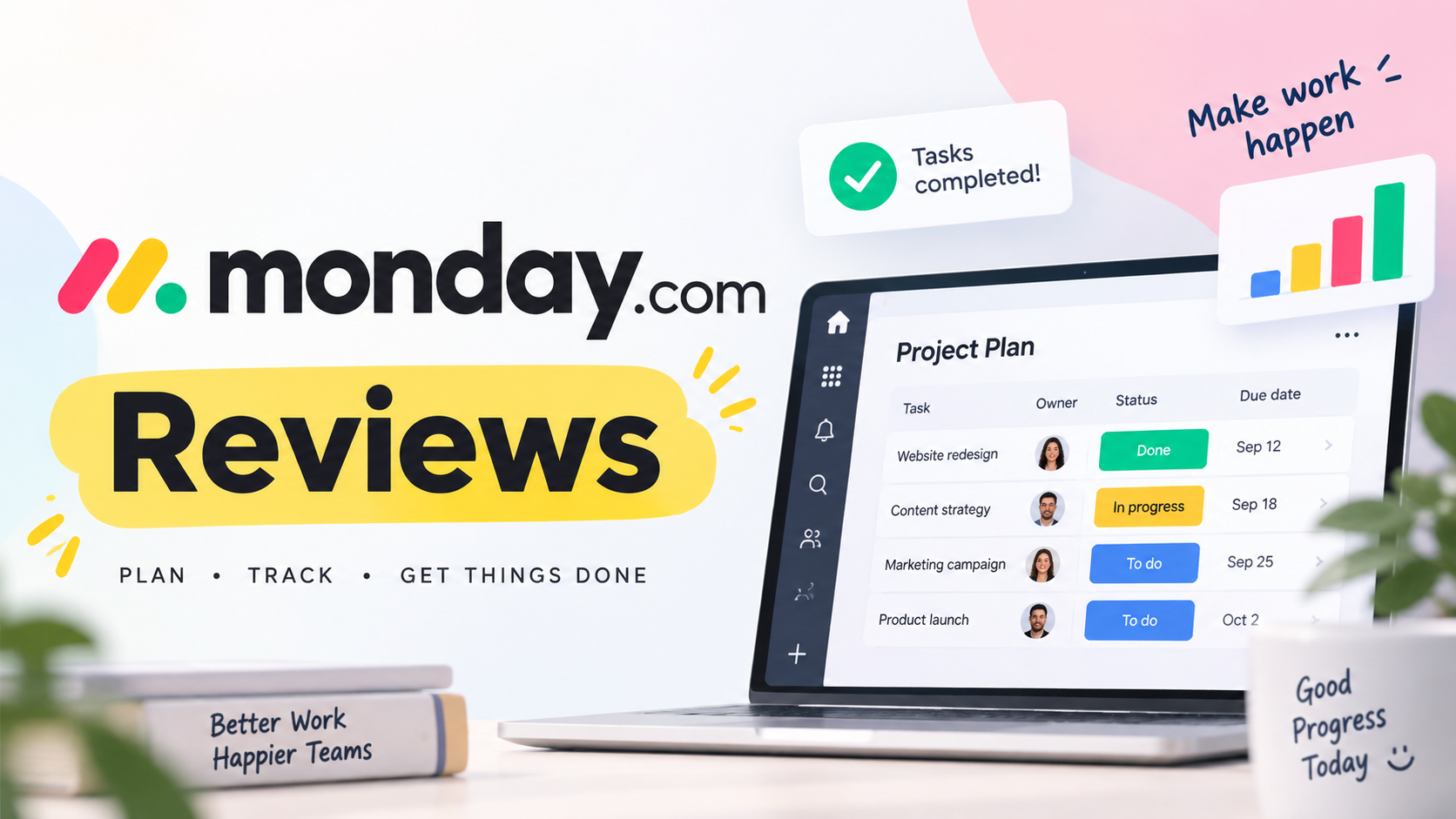
monday.com Reviews 2026: Pros, Cons & Who It’s For

By Olivia Hart
MyClaw Editorial
MyClaw
Run Best-in-Class AI Agents Now
Run OpenClaw or Hermes Agent on managed MyClaw hosting, so your AI agent stays online, updated, and ready for real work.
AI Takeaway
- Is monday.com worth it in 2026?Yes for teams of three or more that want visual boards, dashboards, and no-code automations for marketing, ops, or cross-functional work — if you accept seat-based paid plans and feature gating on lower tiers.
- What do monday.com reviews praise most?Reviewers consistently highlight ease of use, colorful status boards, flexible views, templates, and automations that nontechnical teams actually adopt.
- What are the main monday.com pros and cons?Pros: visual Work OS, customization, collaboration, and integrations on paid tiers. Cons: paid plans start at three seats, Basic often lacks key automations, action caps, and awkward value for solo users.
- Who should skip monday.com?Solo freelancers who need full PM features without a three-seat floor, engineering teams that need deep native Agile tooling, and anyone whose budget cannot absorb seat packages as headcount grows.
- Where does MyClaw help if you stay on monday.com?MyClaw hosts private, always-on agents for repetitive ops around your PM stack — briefs, inbox triage, scheduled reports — not as a drop-in monday.com replacement.
monday.com at a Glance for Busy Teams
monday.com is a visual Work OS — boards, status columns, dashboards, templates, docs, and no-code automations — built for shared work management, not a single-purpose Kanban toy. You use it to keep marketing campaigns, client deliveries, ops checklists, and cross-functional projects on one status surface stakeholders can read without training.
monday.com reviews tell a consistent story: marketing, agencies, ops, and SMB cross-functional teams ramp fast; engineering orgs that need deep Scrum rigor usually keep a specialist tracker. Still comparing category stacks — Asana, ClickUp, Trello, and peers? Start with the broader best apps for work guide; this page owns the monday.com decision.
Judge it on three facts: your real team size (paid plans start at three users), whether you need automations and integrations that lower tiers gate, and whether colorful shared status beats specialist PM depth for your work.

Features Teams Actually Use Day to Day
Day-to-day work lives on boards: items as rows, status and owner columns, updates in the thread, and views that flip the same data into table, calendar, timeline, or Gantt-style layouts on plans that unlock them. Dashboards roll status up for leadership; templates shorten first-board setup; docs and forms catch intake without a separate wiki.
No-code automations move items when status changes, notify owners, or push updates into connected tools. Integrations and API access expand that surface — behind plan and monthly action limits. Assignees, mentions, and guest access matter for agencies and client work, but guest rights are plan-gated. Treat monday-native AI (Sidekick, credits, agents on monday’s own stack) as product AI inside the Work OS — separate from any always-on agent you host elsewhere.
monday.com Pros and Cons From Real Reviews
Pros:
- Fast onboarding and visual clarity — color-coded status stakeholders grasp without training
- Highly customizable boards, columns, and views for marketing, ops, and client workflows
- Strong no-code automations and a large integration surface on plans that unlock them
- Templates and dashboards that keep cross-functional teams aligned
- Consistently high review scores for ease of use across major aggregators
Cons:
- Paid plans start at three seats — solo and duo buyers often overpay for unused seats
- Free and Basic tiers are often too limited for serious project work (automations and integrations gated)
- Automation and integration actions can be capped, pushing active teams up-tier
- Seat-package billing frustrates teams between size steps
- Weaker native depth for software Agile versus specialist tools; mobile and complex reporting often lag desktop polish
- Setup and customization time can be real before boards feel “done”

Pricing Honesty Without the Marketing Spin
monday Work Management runs a clear ladder: Free, then Basic, Standard, Pro, and Enterprise (custom). Free is capped — up to two seats, a small board and doc limit, and templates — fine for individuals and tiny experiments, not a forever substitute for a real team Work OS. Paid plans start from three users per monday’s own pricing FAQ; seat packages mean you buy in steps as headcount grows.
Feature gates are the second trap. Basic expands capacity but still withholds the automations and integrations many buyers came for. Standard unlocks timeline/Gantt-style views, guest access, and a modest monthly automation/integration action pool. Pro raises action volume and adds private boards, time tracking, and deeper views. Enterprise customizes security, governance, and scale. monday’s own AI credits and Sidekick-style tools layer on by plan — confirm the live matrix on monday’s pricing page before you budget; do not treat brochure screenshots as invoices.
Yearly billing usually costs less than month-to-month on the same tier; exact discounts change, so verify at checkout. MyClaw billing is a different product: AI Chat has limited guest access (automatic routing, a single guest chat, no card required to start per AI Chat pricing), while always-on agent hosting bills separately and does not include AI token usage. Never map monday seat math onto MyClaw plans.
Seat Minimums, Feature Gates, and Action Caps
The three-seat paid floor plus seat packages is the complaint monday.com reviews repeat most. On mid tiers, automations and integrations behave like consumable monthly actions — busy boards burn through them and force an upgrade. monday-native AI (credits, Sidekick, monday agents) is optional spend inside their Work OS; it is not the same as hosting a private agent that watches email, calendar, and briefs beside your boards.
Who Should Use monday.com — and Who Should Skip
Strong Fits
Marketing, creative, agencies, ops, and cross-functional teams that need shared visual status are the core fit. Remote and hybrid groups onboard nontechnical stakeholders fast because color and columns beat dense issue trackers for status meetings. If you are roughly three or more and your work matches boards-plus-automations — campaigns, deliverables, client portals, recurring ops — you get the product monday.com reviews praise. When inbox and board noise both pile up, pair the Work OS with focused email automation habits rather than expecting every follow-up to live only on a board.
Weak Fits / When Not to Use
Skip — or stay Free forever — if you are a solo operator who needs full PM features but will not buy three seats. Skip if you need deep Scrum, sprint rigor, and devops-native workflows closer to a specialist backlog tool. Skip if you need warehouse-grade analytics or attribution inside the PM product. Skip if your headcount sits between seat buckets and unused seats kill the ROI. In those cases the monday.com pros and cons tip toward another system of record, even when demos look polished.
Keep Work Moving With MyClaw Agents Around Your Boards
monday.com stores and routes team work. MyClaw is managed hosting for private, always-on OpenClaw and Hermes agents — plus AI Chat for quick research and drafts. The honest boundary: agents run repetitive ops around your PM stack (status digests, priority briefs, inbox triage, scheduled reports). MyClaw is not a monday.com alternative, Work OS clone, or board replacement.
Useful soft jobs include a Monday-morning status digest, a daily brief of priorities across tasks and calendar, inbox triage that never silently rewrites board columns, and recurring research you review before it hits stakeholders. Scheduled routines such as Day 6 automation keep digests and follow-ups running while your laptop is closed. Guest Chat is a limited try path; sign in for a full workspace. Hosting and Chat bill separately — check live pricing before you commit.
- Pick one repetitive ops loop — a Monday-morning status digest, overdue-task nudge, or inbox-to-action list — not “replace every board.”
- Connect the channels you already open — chat, email, calendar, docs; keep board writes behind human review when stakes are high.
- Schedule the agent and review outputs — cron or heartbeat for briefs and follow-ups while you are offline; expand only after quality holds.
Bottom Line
monday.com earns strong reviews for visual, adoptable work management when team size and tier match the job. Pricing structure, the three-seat floor, and feature gates are the usual deal-breakers — not a lack of polish. Stay on monday.com if boards fit your marketing, ops, or cross-functional rhythm. Add a MyClaw agent only for always-on ops around that stack, and confirm live MyClaw pricing and Chat plans before you commit.
Skip the Setup, Run Best-in-Class AI Agents Now
Launch a managed OpenClaw or Hermes Agent workspace in minutes, with always-on hosting, updates, and support handled by MyClaw.