Wan 2.7 Review (2026): Image to Video, Pricing & Limits

By Nathan Cole
MyClaw Editorial
MyClaw
Run Best-in-Class AI Agents Now
Run OpenClaw or Hermes Agent on managed MyClaw hosting, so your AI agent stays online, updated, and ready for real work.
AI Takeaway
- What is Wan 2.7 and how can you access it? Wan 2.7 is Alibaba's April 2026 video suite of four models (text to video, image to video, reference to video and video editing) that renders 720P or 1080P clips of 2–15 seconds at 30 fps with audio. It is hosted only, with no downloadable weights.
- How does Wan 2.7 image to video work? You upload a first frame, optionally add a last frame, a driving audio track or a clip to continue, and write a prompt that describes the motion. The video keeps your image's aspect ratio.
- How much does a Wan 2.7 clip cost? Alibaba Cloud Model Studio's Singapore (International) region lists $0.10 per output second at 720P and $0.15 at 1080P, so a 5-second 1080P clip costs about $0.75.
- Is Wan 2.7 still worth using now that Wan 3.0 exists? Yes, for shots that must start and end on exact frames and for copying an effect or camera move. For clips longer than 15 seconds, Wan 3.0 is the better pick, since it reaches 30 seconds.
- Can you run Wan 2.7 on MyClaw? Yes. MyClaw's video chat at /chat/video runs Wan 2.7 directly, from first-frame upload to download, and guests can take a limited try before signing up.
Lock the Right Wan 2.7 Model ID Before You Test
Wan 2.7 ships as four task-specific models on Alibaba Cloud Model Studio. Choose the right one before you spend any test budget.
| Model ID | Job | Resolution | Duration |
|---|---|---|---|
| wan2.7-t2v | Text to video, multi-shot, audio sync | 720P / 1080P | 2–15s |
| wan2.7-i2v | Image to video: first frame, first + last frame, continuation, audio-driven | 720P / 1080P | 2–15s |
| wan2.7-r2v-2026-06-12 | Multi-character reference to video | 720P / 1080P | 2–10s |
| wan2.7-videoedit | Instruction editing, style transfer, effect and camera-move replication | 720P / 1080P | 2–10s |
The plain IDs are rolling aliases. Pin a dated snapshot such as wan2.7-i2v-2026-04-25 when you need repeatable results.
Many search results get one thing wrong: Wan 2.7 is not open source. The official Wan-AI Hugging Face organization stops at Wan 2.2, the newest Wan you can download. Wan 3.0 and HappyHorse 1.1 are newer, separate models, not renamed versions of Wan 2.7. If you already build on Alibaba Cloud, our Alibaba Cloud OpenClaw guide covers the Model Studio side.

Budget Every Clip With Wan 2.7 Specs and Pricing
Every Wan 2.7 video is a 30 fps MP4 (H.264) of 2–15 seconds for text or image to video. Result links expire after 24 hours, so download finished clips promptly. Input images and audio are free: you pay only for output seconds, and failed calls are not billed.
| Vendor and region | Model | 720P per second | 1080P per second |
|---|---|---|---|
| Model Studio — Singapore (International) | wan2.7-t2v / wan2.7-i2v and snapshots | $0.10 | $0.15 |
| Model Studio — China (Beijing) and Japan (Tokyo, Global) | wan2.7-t2v / wan2.7-i2v rolling aliases | $0.086012 | $0.143353 |
| Model Studio — China (Beijing) | dated snapshots (-2026-04-25, -2026-06-12) | $0.082513 | $0.137521 |
| fal.ai (vendor list price) | Wan 2.7 image to video | $0.10 | $0.15 |
Per-clip cost at the Model Studio Singapore and fal.ai rate:
| Length | 720P | 1080P |
|---|---|---|
| 5 seconds | $0.50 | $0.75 |
| 10 seconds | $1.00 | $1.50 |
| 15 seconds | $1.50 | $2.25 |
At the Model Studio Beijing and Tokyo rolling-alias rate, the same 5-second 1080P clip costs about $0.72. Resolution defaults to 1080P, so drafting at 720P cuts iteration cost by a third or more. For a longer-clip alternative, see our Seedance 2.5 review.
Turn One Image Into Video With Wan 2.7
Wan 2.7 image to video is this release's strongest feature. Every input goes into a single media array, each type can appear once, and six combinations are valid:
- First frame
- First frame plus driving audio
- First and last frame
- First and last frame plus driving audio
- A first clip to continue
- A first clip plus last frame
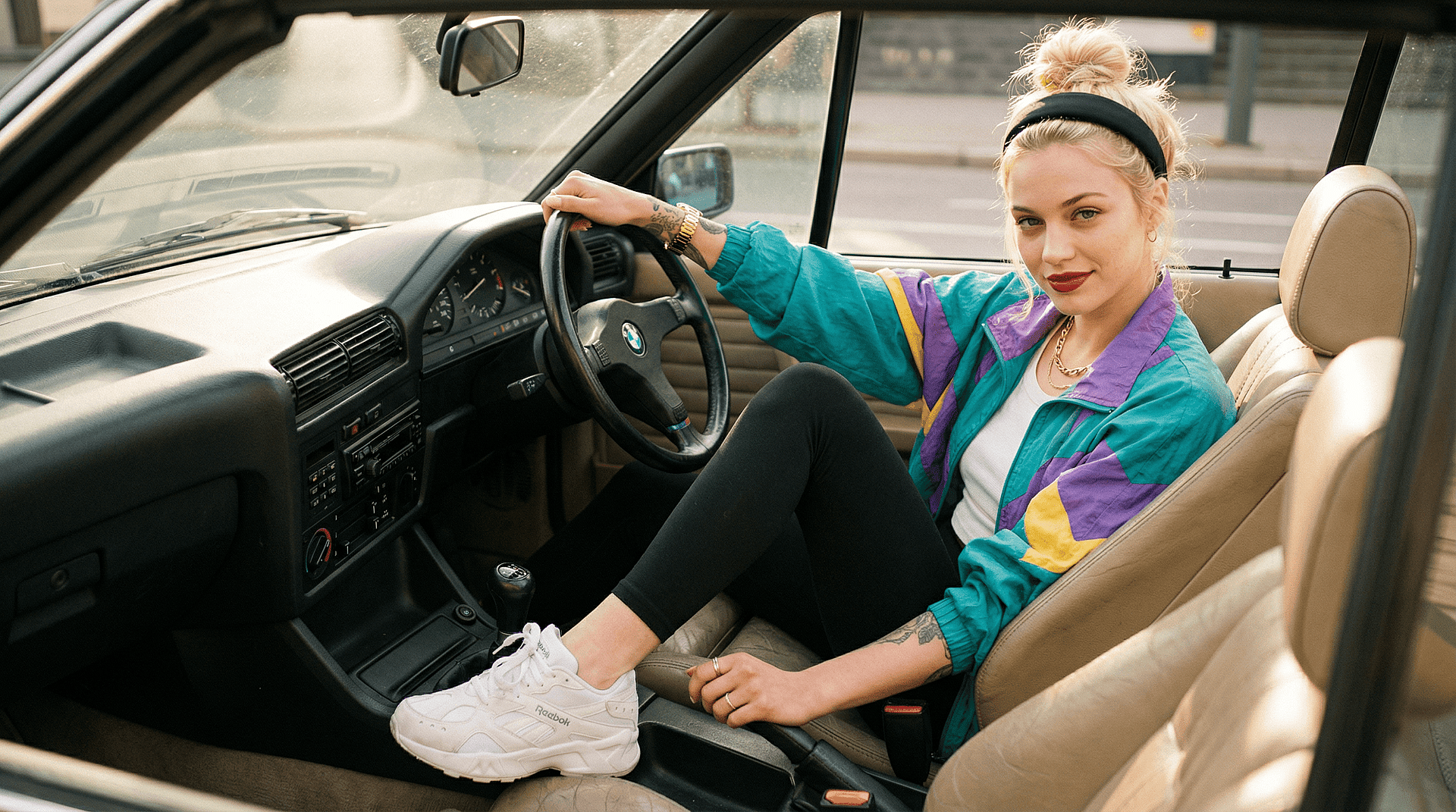
Start From a Single First Frame
Your first frame sets identity, composition and lighting, so start from a sharp still. If you don't have one, create it in the MyClaw image generator. Model Studio accepts JPEG, JPG, PNG, BMP or WEBP between 240 and 8,000 pixels per side, with an aspect ratio from 1:8 to 8:1 and a 20 MB cap.
There is no aspect-ratio setting. The video follows your image's ratio, with each side rounded to a multiple of 16, so crop the still to the final frame before you upload. Resolution defaults to 1080P and duration to 5 seconds.
Pin the Ending With First and Last Frame
A last frame gives the shot a destination instead of letting the motion wander. It works best when both images share subject, lighting and framing. Use the prompt to describe the transition: how the subject moves, how the camera travels and what stays consistent.
Extend a Clip or Sync It to Audio
Continuation takes an existing clip as first_clip and extends it. The duration you set includes the input clip, so a 2-second clip with duration 12 returns 12 seconds in total, not 14. Add a last frame to steer where the extension lands.
Attach a driving audio track when the motion has to follow speech or a beat. Without one, Wan 2.7 generates matching audio on its own.
Write Prompts That Move the Image
- Describe motion, not the picture. The model already sees the image; tell it what changes.
- Give each shot one clear action. "She turns toward the camera and smiles" beats a pile of adjectives.
- For first and last frame, write start state, end state, transition, camera move and a continuity cue.
- For multi-shot output, say "generate a multi-shot video" or use timestamps such as "First shot [1-5s]: …".
- Use
negative_prompt(up to 500 characters) for recurring flaws, and fix theseedwhen you rerun a winner. - The prompt allows up to 5,000 characters, and
prompt_extendrewrites it by default. Turn it off for literal wording.

See What Wan 2.7 Adds Over Wan 2.6
Alibaba's documentation says Wan 2.6 image to video accepted only a first frame through a single img_url field. Wan 2.7 replaces it with the media array, which adds first-and-last-frame control and clip continuation.
Resolution, length and audio did not change: Wan 2.6 already offered 720P and 1080P, 2–15 seconds and native audio, while the earlier Wan 2.5 preview stopped at 5- or 10-second clips. Wan 2.7 also adds a multi-character reference model and an instruction-based editor.
Alibaba has not published benchmark scores for Wan 2.7.
Wan 2.7 Pros and Cons
Pros:
- First frame, first and last frame, continuation and audio driving in one image to video endpoint
- Native audio, generated automatically or synced to your own track
- Clear per-second list pricing, with free inputs and no charge for failed calls
Cons:
- No open weights, so you cannot self-host or fine-tune your own copy
- Independent testers comparing it with Kling 3 and Seedance 2 have reported fragile face and hand consistency on longer shots
- 15-second ceiling for text and image to video, while Wan 3.0 reaches 30 seconds
- Result URLs expire after 24 hours
For another hosted video model comparison, read our MiniMax H3 vs Seedance comparison.
Pick Wan 2.7 or a Newer Model by Job
Alibaba's catalog now recommends HappyHorse 1.1 and Wan 3.0 for most text and image to video work, but Wan 2.7 still wins specific jobs.
| Job | Best pick |
|---|---|
| Product shot that must start and end on exact frames | wan2.7-i2v, first and last frame |
| Replicating an effect or camera move from a reference | wan2.7-videoedit |
| Clips longer than 15 seconds, or mixed references | Wan 3.0 |
| General text or image to video up to 15 seconds | HappyHorse 1.1 (Alibaba's current recommendation) |
| Face-heavy realism for ads | Test Wan 2.7 beside Seedance before committing |
If Seedance is on your shortlist, our Seedance 2.5 vs 2.0 breakdown shows how its length and pricing tiers compare.
Run Wan 2.7 Image to Video in MyClaw in 3 Steps
- Open /chat/video and pick Wan 2.7. Open MyClaw video chat and choose Wan 2.7 as your model.
- Upload the first frame (optionally a last frame) and write the motion prompt. Describe the movement, the camera and the ending, not the picture itself.
- Review, iterate and download. Watch the clip, change one thing at a time (prompt, frame pair or length) and download the version you keep.
Guests can take a limited try before signing up. It is a trial, not unlimited free video, and hosting and model usage are billed separately.
Decide If Wan 2.7 Earns a Spot in Your Video Stack
Use Wan 2.7 when you know exactly how a shot should start and end, or when you need to copy an effect or camera move. Skip it if you need downloadable weights. Switch to Wan 3.0 when clips run past 15 seconds or need many mixed references.
Skip the Setup, Run Best-in-Class AI Agents Now
Launch a managed OpenClaw or Hermes Agent workspace in minutes, with always-on hosting, updates, and support handled by MyClaw.